
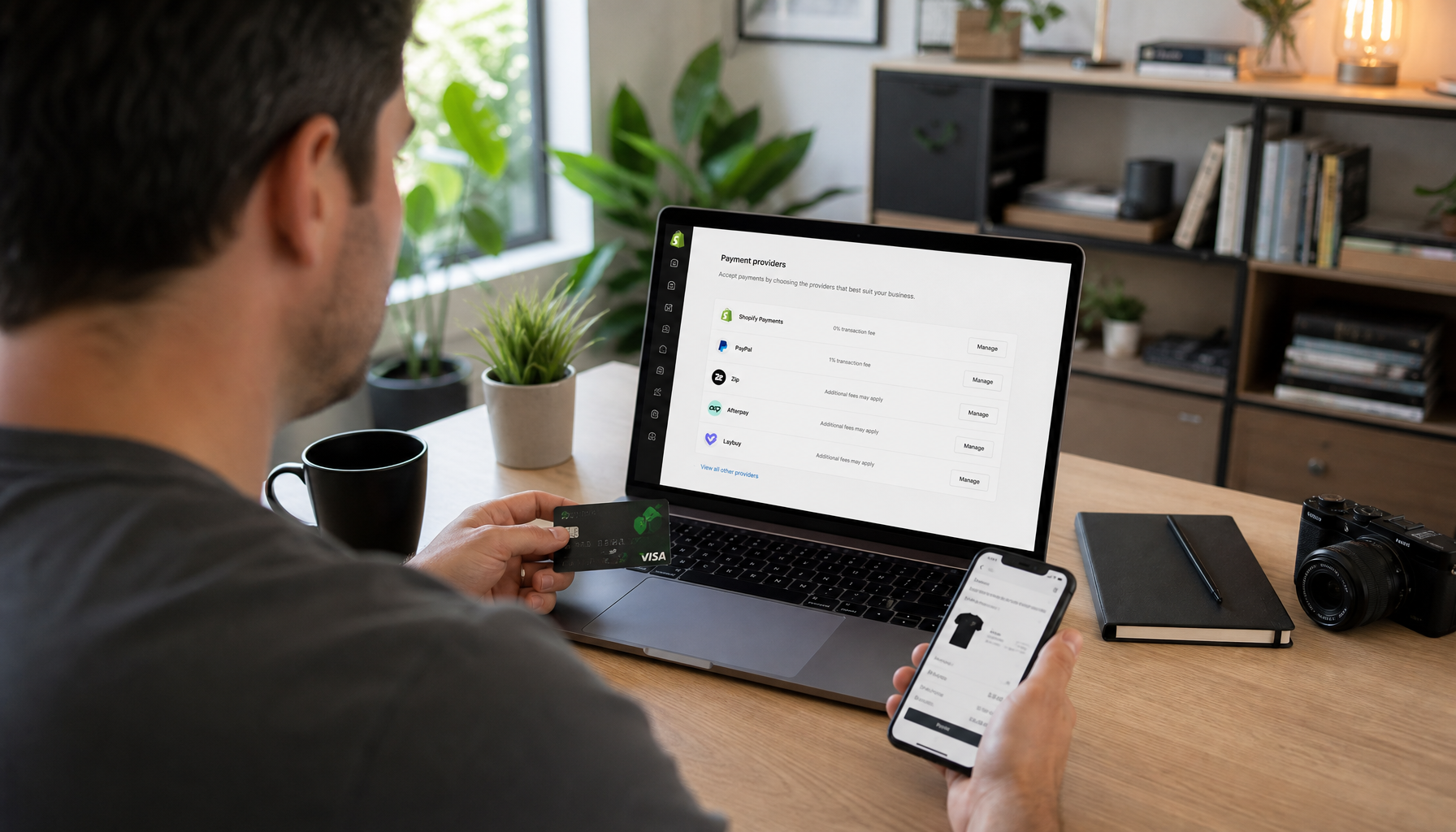
Choosing the right Australian Shopify payment gateways is one of the highest-leverage decisions you’ll make for your store. Get it wrong and you bleed revenue through hidden fees, abandoned carts, and checkout friction. Get it right and you convert more browsers into buyers — especially the 41% of Australians who used a Buy Now, Pay Later service in the past six months, according to Finder Australia’s 2026 BNPL report.
This guide cuts through the marketing noise. I’ve mapped out exactly what each major Australian Shopify payment gateway costs, how setup works, and where each option falls short — so you can make a financially sound decision before you go live.
Who this is for: Australian Shopify store owners on any plan — from Basic to Advanced — who want to maximise checkout conversion and minimise unnecessary fees in 2026.
Why Your Payment Gateway Choice Matters More Than Ever
The Australian e-commerce market is projected to reach USD 50,720 million in 2025 and climb to USD 69,536 million by 2029. That’s a lot of potential revenue — and a lot of competition for every cart completion.
Shopify charges an additional transaction fee (0.5%–2%, depending on your plan) on every sale processed through a third-party gateway. Stack that on top of the gateway’s own processing fee and Buy Now, Pay Later merchant fee, and the true cost per sale can surprise you. The comparison table in the next section shows exactly what that looks like per $100 AUD.
Australian shoppers also have strong checkout preferences. BNPL adoption is driven mainly by millennials and Gen Z, but it has spread well into the 35–54 age bracket. Offering at least one BNPL option alongside a card processor is now considered table stakes for most product categories.
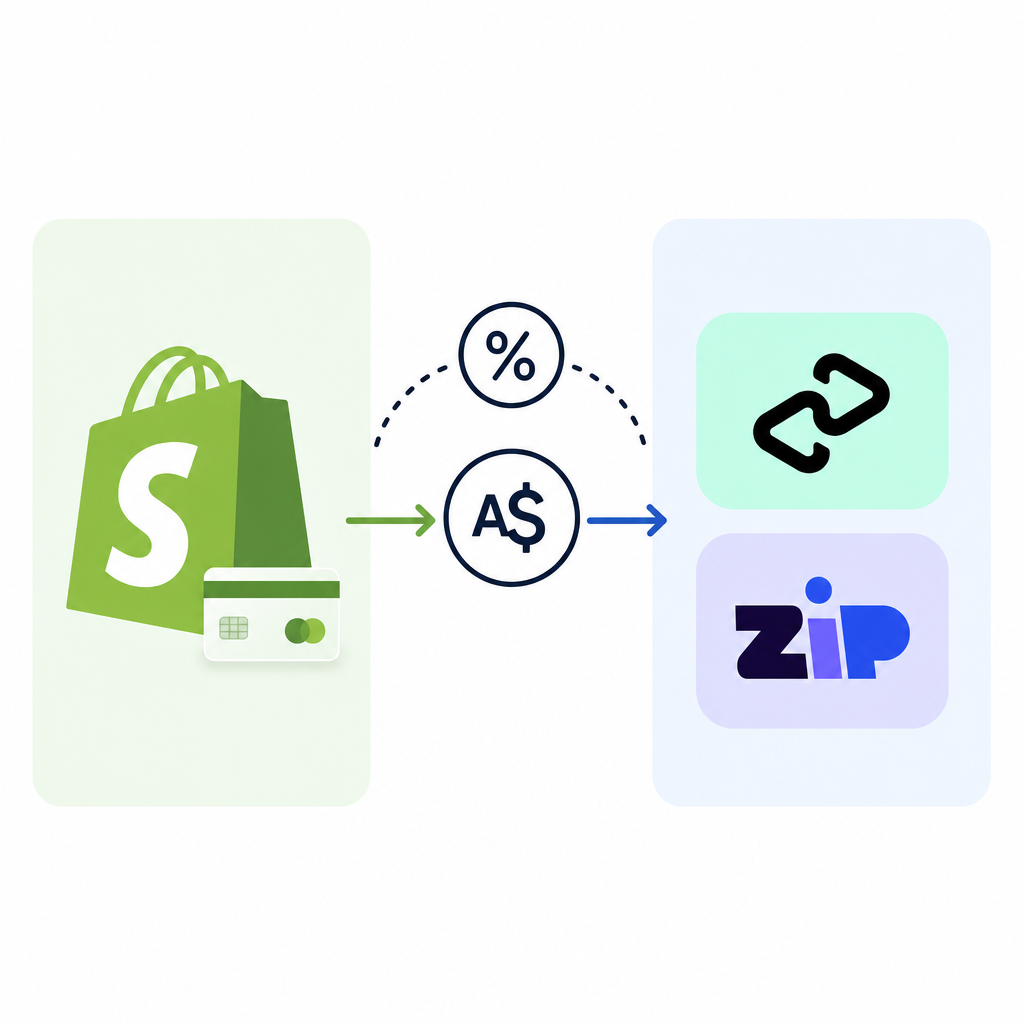
True Cost Comparison: What You Actually Pay Per $100 AUD Sale
The table below shows the all-in merchant cost for a $100 AUD transaction on a Shopify Basic plan (2% third-party transaction fee), a Shopify plan (1%), and an Advanced plan (0.5%). Shopify Payments and Stripe via Shopify Payments bypass the third-party fee entirely.
Rates current as of mid-2026. Always verify live rates on each provider’s pricing page before committing.
How to read this table: “Gateway fee” is what the provider charges. “Shopify surcharge” is the extra Shopify transaction fee added when you use a third-party gateway. “All-in cost” is what leaves your pocket per $100 sale.
- Shopify Payments (Basic plan) — card: Gateway fee $1.75 | Shopify surcharge $0 | All-in: $1.75
- Shopify Payments (Shopify plan) — card: Gateway fee $1.60 | Shopify surcharge $0 | All-in: $1.60
- Shopify Payments (Advanced plan) — card: Gateway fee $1.45 | Shopify surcharge $0 | All-in: $1.45
- Stripe (via Shopify Payments channel) — card: Gateway fee $1.75 | Shopify surcharge $0 | All-in: $1.75
- Afterpay (Basic plan): Gateway fee ~$4.00–$6.00 | Shopify surcharge $2.00 | All-in: ~$6.00–$8.00
- Afterpay (Shopify plan): Gateway fee ~$4.00–$6.00 | Shopify surcharge $1.00 | All-in: ~$5.00–$7.00
- Afterpay (Advanced plan): Gateway fee ~$4.00–$6.00 | Shopify surcharge $0.50 | All-in: ~$4.50–$6.50
- Zip Pay (Basic plan): Gateway fee ~$4.00–$6.00 | Shopify surcharge $2.00 | All-in: ~$6.00–$8.00
- Zip Pay (Shopify plan): Gateway fee ~$4.00–$6.00 | Shopify surcharge $1.00 | All-in: ~$5.00–$7.00
- Zip Pay (Advanced plan): Gateway fee ~$4.00–$6.00 | Shopify surcharge $0.50 | All-in: ~$4.50–$6.50
Key insight: If you’re on Shopify Basic and you add Afterpay or Zip as a standalone third-party gateway, you’re paying up to 8% on every BNPL transaction. Upgrading to the Shopify plan (at $105/month AUD) recovers that 1% Shopify surcharge — and at typical BNPL volumes it can pay for itself within weeks. Run the numbers against your own monthly BNPL volume before deciding which plan to run.
Note: Afterpay and Zip merchant rates are negotiated and not publicly listed. The 4–6% range reflects rates commonly reported by Australian SMBs. Contact each provider directly for your quoted rate.
Shopify Payments: The Default Starting Point for Australian Stores
Shopify Payments is built directly into your Shopify admin and is almost always the right first gateway to activate. There are no third-party transaction fees, setup is instant, and payouts land in your Australian bank account within two business days.
Shopify Payments Processing Rates for Australia (2026)
- Basic plan ($39 AUD/month): 1.75% per online transaction, 1.4% + 0¢ for in-person
- Shopify plan ($105 AUD/month): 1.6% per online transaction, 1.3% + 0¢ in-person
- Advanced plan ($399 AUD/month): 1.45% per online transaction, 1.2% + 0¢ in-person
These rates apply to Australian-issued cards. International cards and premium cards (Amex, corporate) may attract a small surcharge — check your Shopify Payments dashboard for your specific breakdown.
What Shopify Payments Does Well
- Unified dashboard for orders, payments, and disputes — no toggling between apps
- Shop Pay (Shopify’s own accelerated checkout) is included, which research by Shopify consistently shows reduces checkout steps for returning customers
- Chargeback management is handled inside Shopify admin
- Supports Apple Pay, Google Pay, and Shop Pay out of the box
Watch Out
Shopify Payments has a known list of prohibited business categories — certain supplements, some digital goods, and firearms accessories are excluded. If your product sits in a grey area, confirm eligibility with Shopify support before launching, or have Stripe ready as a fallback. Account holds are disruptive when they happen at scale.

Afterpay: Australia’s Most Recognised BNPL for Shopify
Afterpay splits a purchase into four equal fortnightly instalments, interest-free for the customer. The merchant receives the full sale amount upfront (minus Afterpay’s fee), so you carry zero credit risk.
Afterpay has built a significant Australian merchant and consumer network. The brand recognition alone reduces checkout hesitation — many Australian shoppers specifically look for the Afterpay badge before deciding where to buy.
How to Add Afterpay to Your Shopify Store
- Go to Shopify Admin → Settings → Payments
- Under “Alternative payment methods,” search for Afterpay
- Click “Activate” and follow the Afterpay merchant application
- Afterpay reviews your store (typically 1–3 business days)
- Once approved, the Afterpay widget appears automatically on product pages and at checkout
Afterpay also integrates with Shopify Markets, so if you sell to New Zealand, the US, or UK customers, the same gateway handles cross-border BNPL — though terms and limits differ per region.
Afterpay Merchant Fees: What to Expect
Afterpay does not publish a flat public rate for Australian merchants. Rates are negotiated based on your monthly GMV, average order value, and product category. Australian SMBs typically report rates in the 4–6% range per transaction. Higher-volume merchants can negotiate below 4%.
Remember: If you run Afterpay as a third-party gateway (outside Shopify Payments), Shopify adds its own transaction fee on top. On a Basic plan, that’s an extra 2%. This is the single most common cost miscalculation I see from new Australian Shopify merchants.
Watch Out
Afterpay has order value limits — typically $2,000 AUD for new customers, rising over time based on repayment history. If your average order value sits above $1,500, a meaningful portion of new customers will hit this ceiling. Consider pairing Afterpay with Zip Business or Latitude Pay for higher-ticket purchases.
Zip Pay: A Flexible BNPL Alternative with Higher Limits
Zip operates two products relevant to Shopify merchants: Zip Pay (up to $1,000 AUD, revolving credit) and Zip Money (up to $50,000 AUD, interest-free period, monthly statements). This makes Zip a better fit than Afterpay for stores selling furniture, electronics, or other higher-ticket categories.
Zip Pay vs Zip Money: Which One Do You Need?
- Zip Pay: Best for AOVs up to $1,000. Customers pay a small monthly account fee. No interest if paid on time. Great for fashion, beauty, homewares.
- Zip Money: Best for AOVs from $1,000–$50,000. Offers interest-free periods (e.g., 6, 12, or 24 months). Better for electronics, fitness equipment, furniture retailers.
Adding Zip to Shopify
Zip integrates with Shopify via the Zip app in the Shopify App Store. After installing, you apply for a merchant account through Zip’s portal. Approval timelines are similar to Afterpay — usually 1–3 business days. The checkout widget and product-page messaging install automatically once approved.
Zip Merchant Fees
Like Afterpay, Zip’s merchant rates are not publicly listed and are negotiated. Expect a similar 4–6% range for most SMBs, with volume discounts available. And like Afterpay, Zip is a third-party gateway on Shopify — meaning Shopify’s transaction fee applies on top unless you’re using Shopify Payments as your primary gateway and Zip as a supplementary method.
Watch Out
Zip’s approval rate for new customers is generally lower than Afterpay’s, because Zip performs a more thorough credit check. This means some customers who expect to use Zip at checkout will be declined — plan for this by keeping a card-payment fallback prominent in your checkout flow.
POLi Payments: Important Update for 2026
If you’ve seen POLi mentioned in older Shopify payment guides, here’s the current situation: POLi Payments shut down its Australian operations in September 2023. It is no longer a viable gateway for Australian Shopify stores. Any integration you may still have active should be removed — it will not process transactions.
What Replaced POLi? Meet PayTo
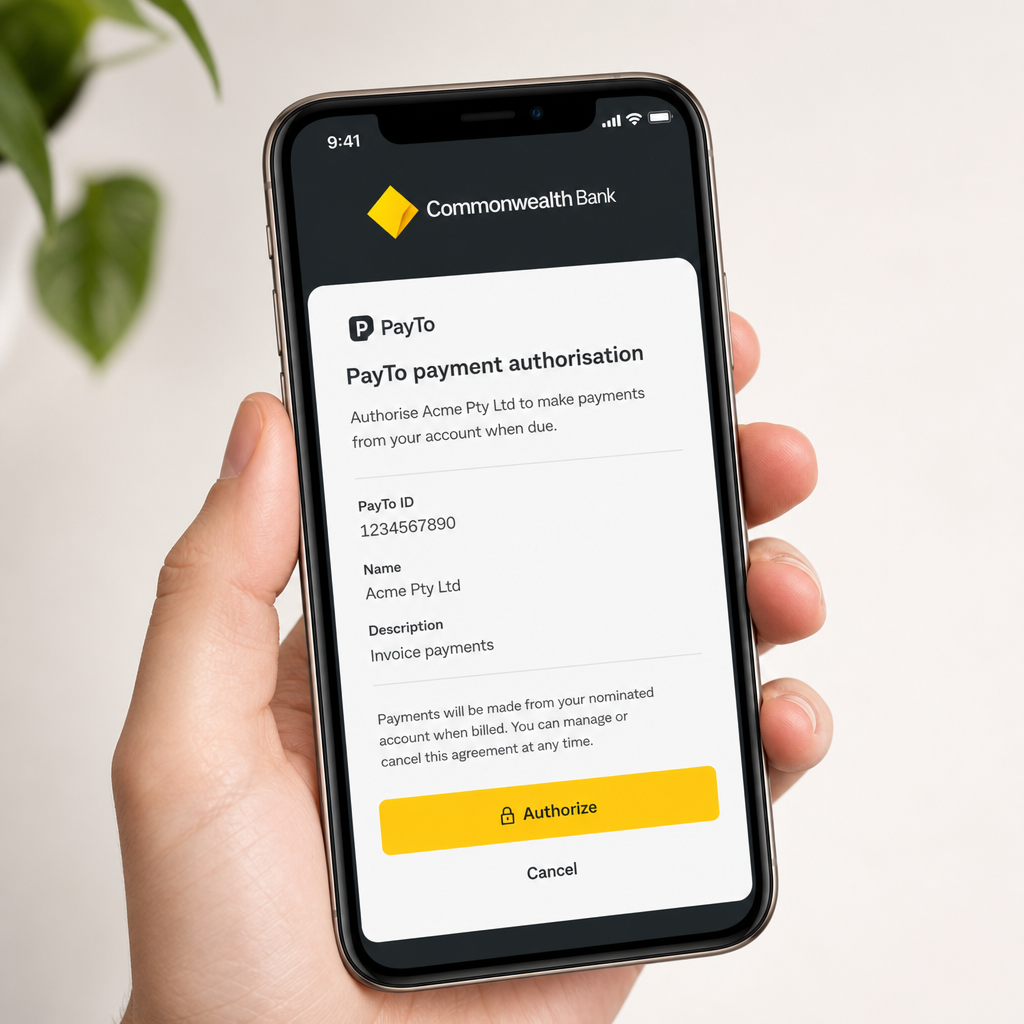
The closest modern equivalent to what POLi offered — direct bank-to-bank transfers at checkout — is PayTo, the Reserve Bank of Australia’s new real-time payment authorisation framework launched through the NPP (New Payments Platform).
PayTo allows merchants to pull payments directly from a customer’s bank account in real time, with the customer granting authorisation via their banking app. As of mid-2026, PayTo is supported by all four major Australian banks (ANZ, CBA, NAB, Westpac) and a growing number of regional banks and credit unions. Adoption at checkout is still early-stage, but fintechs including Zeller, Monoova, and Azupay are building Shopify-compatible PayTo solutions.
If your customers are sensitive to card surcharges or you sell to business buyers who prefer bank transfers, it’s worth watching the PayTo ecosystem closely over the next 12 months. Direct debit via PayTo typically costs merchants less than card processing — early quotes from PayTo-enabled processors suggest sub-1% merchant fees in some use cases.
Stripe: The Developer-Friendly Powerhouse for Australian Merchants
Stripe is the most flexible payment infrastructure available to Australian Shopify stores. It supports over 135 currencies, handles complex checkout flows, and connects cleanly with Shopify — either as a standalone gateway or via Shopify’s Stripe integration channel.
Stripe serves over one million businesses across Australia and New Zealand as of September 2025, a testament to how embedded it has become in the local e-commerce stack.
Stripe’s Australian Processing Rates
- Standard card processing: 1.7% + $0.30 AUD per successful charge for Australian cards
- International cards: 3.5% + $0.30 AUD
- BECS Direct Debit (bank transfer): 0.75% capped at $1.50 AUD — excellent for subscription and B2B merchants
- Afterpay via Stripe: Stripe can process Afterpay transactions, letting you consolidate gateway relationships
When Stripe Makes Sense Over Shopify Payments
- You sell products in prohibited categories for Shopify Payments and need an approved alternative
- You’re building a custom checkout, subscription billing, or marketplace — Stripe’s API is best-in-class
- You have a significant international customer base and need granular multi-currency control
- You want BECS Direct Debit for B2B clients who pay by bank transfer
Watch Out
Using Stripe as a third-party gateway (rather than through Shopify’s native Stripe integration) still triggers Shopify’s transaction fee. On a Basic plan, that’s an extra 2% per sale on top of Stripe’s 1.7% — making your effective rate 3.7% before the $0.30 fixed fee. If you’re on Shopify Basic and plan to route most volume through Stripe, upgrading your Shopify plan or activating Shopify Payments as your primary gateway will almost certainly save you money.
GST on Merchant Fees: A Note for BAS Reporting
This is a detail most payment gateway guides skip entirely — and it costs Australian merchants unnecessary confusion at BAS time.
Merchant fees charged by Australian-registered payment providers (including Shopify Payments Australia, Afterpay, Zip, and Stripe Australia Pty Ltd) are subject to 10% GST. This means you can claim the GST component of these fees as a credit on your BAS, effectively reducing your net cost by 1/11th of the fee.
For example: if Afterpay charges you $500 in merchant fees for a quarter, $45.45 of that is GST input tax credit you can claim back. Over a full year, this adds up. Ensure your bookkeeper or accountant codes gateway fees to a GST-inclusive expense category in Xero, MYOB, or QuickBooks — not as a GST-free expense.
Fees from offshore entities may be treated differently. Consult your BAS agent or accountant if you’re using an international processor that bills from outside Australia.
How to Choose the Right Gateway Mix for Your Store
Most Australian Shopify stores don’t run a single gateway — they run a primary gateway for card payments plus one or two BNPL options. Here’s a practical framework for picking your stack:
For New Stores (Basic Plan)
- Primary: Shopify Payments — no extra transaction fees, instant activation
- BNPL: Afterpay — highest brand recognition, easiest approval for customers
- Consider upgrading: If your BNPL volume is significant, the jump to Shopify plan saves the 1% third-party fee and pays for itself at ~$5,250 AUD monthly BNPL GMV
For Mid-Size Stores (Shopify / Advanced Plan)
- Primary: Shopify Payments
- BNPL stack: Afterpay + Zip (covering low and high AOV segments)
- International: Stripe as a secondary gateway for international-card-heavy audiences or custom checkout needs
For High-AOV or B2B Stores
- Primary: Shopify Payments or Stripe
- BNPL: Zip Money (up to $50,000 AUD) or Latitude Pay for high-ticket items
- Bank transfer: BECS Direct Debit via Stripe, or watch PayTo for emerging options
Key Takeaways
- Shopify Payments first: Avoid the third-party transaction fee by activating Shopify Payments as your primary gateway before adding anything else.
- POLi is gone: Remove any legacy POLi integration — it closed in September 2023. Look at PayTo as the emerging bank-transfer alternative.
- BNPL fees stack: On a Basic plan, Afterpay or Zip can cost up to 8% per transaction once you include Shopify’s surcharge. Upgrade your plan if BNPL volume justifies it.
- Negotiate BNPL rates: Both Afterpay and Zip negotiate merchant rates. If your monthly GMV exceeds $50,000 AUD, ask for a volume discount.
- Claim your GST credits: Merchant fees from Australian-registered providers carry claimable GST. Code them correctly in your accounting software.
- Match BNPL to AOV: Afterpay suits sub-$1,500 AOV; Zip Money suits $1,000–$50,000 AOV. Stacking both covers most product categories.
- Stripe for complexity: Choose Stripe when you need API control, multi-currency depth, BECS Direct Debit, or have products Shopify Payments won’t support.
Conclusion
The right mix of Australian Shopify payment gateways isn’t the same for every store — it depends on your plan, your average order value, your customer demographics, and your monthly volume. But the framework is consistent: start with Shopify Payments to avoid unnecessary fees, layer in Afterpay for BNPL coverage, add Zip if your AOV pushes above $1,000, and bring in Stripe when you need flexibility or international reach.
Use the fee table in this guide to run your own numbers before activating any new gateway. A 30-minute calculation now can save thousands of dollars in fees annually as your store scales.
Have questions about your specific Shopify setup, or want to share what’s working for your Australian store? Drop a comment below — I read every one. And if you found this guide useful, share it with a fellow Shopify merchant who’s still figuring out their payment stack.
FAQ
Which payment gateway should I use for my Shopify store in Australia?
For most Australian Shopify stores, the best starting point is Shopify Payments as your primary card gateway — it carries no additional Shopify transaction fees. Add Afterpay for BNPL coverage and consider Zip if your average order value exceeds $1,000. Use Stripe if you need advanced API customisation or multi-currency control.
Does Afterpay work with Shopify in Australia?
Yes. Afterpay integrates directly with Shopify via the Payments settings in your admin or the Shopify App Store. After applying and receiving merchant approval (usually 1–3 business days), the Afterpay widget appears automatically on product pages and at checkout. Note that Shopify adds a transaction fee on top of Afterpay's fee unless Shopify Payments is your primary gateway.
Is POLi Payments still available for Australian Shopify stores?
No. POLi Payments closed its Australian operations in September 2023 and is no longer a viable payment gateway. If you have an old POLi integration active, remove it immediately. The closest modern alternative for bank-to-bank payments is PayTo, which is supported by all four major Australian banks and is gaining traction through fintech processors.
What is the true cost of using Afterpay or Zip on Shopify Basic?
On the Shopify Basic plan, you pay both the BNPL provider's merchant fee (typically 4–6% for Australian SMBs) plus Shopify's 2% third-party transaction fee. That stacks to roughly 6–8% per transaction. Upgrading to the Shopify plan ($105/month AUD) cuts the Shopify surcharge to 1%, which pays for the plan upgrade at around $5,250/month in BNPL volume.
Can I claim GST on payment gateway fees in Australia?
Yes. Merchant fees charged by Australian-registered payment providers — including Shopify Payments, Afterpay, Zip, and Stripe Australia Pty Ltd — include 10% GST, which you can claim as an input tax credit on your BAS. Ensure your bookkeeper codes these fees as GST-inclusive in Xero, MYOB, or QuickBooks to avoid missing the credit.
Is Stripe or Shopify Payments better for Australian Shopify merchants?
Shopify Payments is better for most merchants because it carries no additional Shopify transaction fee. Stripe is the better choice when you need advanced API customisation, sell in categories Shopify Payments prohibits, require BECS Direct Debit for B2B clients, or have a heavy international customer base needing granular multi-currency control.
What is PayTo and should Australian Shopify stores consider it?
PayTo is the Reserve Bank of Australia's real-time payment authorisation framework built on the New Payments Platform (NPP). It enables direct bank-to-bank payments authorised via a customer's banking app, supported by all four major Australian banks as of 2026. Shopify-native integrations are still emerging through fintechs like Azupay and Monoova, but it is worth monitoring as a low-cost alternative to card processing.
